 Oclocky
Kiosk clock-in with PIN
A shared tablet on each jobsite. Workers clock in with their own PIN, switch tasks during the day and clock out. With permission, the tablet saves where each punch was made.
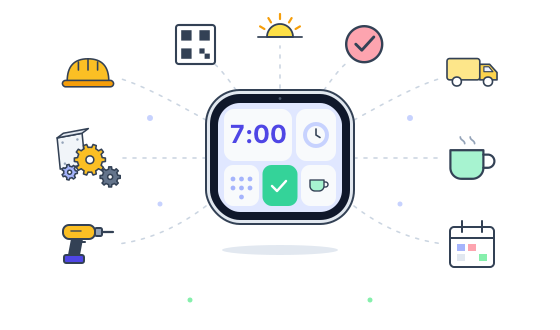
Time tracking for construction crews. They clock in on the jobsite tablet with a PIN and pick the job and task. You see who is working, on what, and for how long.
One app for the crew on site and for the office.
A shared tablet on each jobsite. Workers clock in with their own PIN, switch tasks during the day and clock out. With permission, the tablet saves where each punch was made.
Hours go to the right job and task. If someone clocks in without a task, managers get a notice so nobody sits idle unnoticed.
Designed with California rules in mind: a break button that follows paid break, unpaid lunch and paid break, alerts when a break runs long or is missed, and a daily overtime limit that managers sign off on.
Hours added or corrected by hand wait for a manager's approval. Every change is kept in a history with who did it and when, and nobody can edit or erase it.
Plan jobs on a calendar and schedule shifts for your team. Already using Teamup? Import and keep it in sync.
Keep track of tools and trucks, who has them and when maintenance is due. Print QR stickers and scan them with a phone.
Hours by person, job and date, with paid time worked out for you. Export to a spreadsheet for payroll.
Each person uses the app in their own language, on a phone, a tablet or a computer.
Three steps from sign-up to payroll.
Create your company, your jobs and their tasks. The app gives each worker a PIN.
Open the kiosk on a tablet and choose which jobsite it belongs to.
Review hours, approve changes and export them when it is time to pay.
Write to us and we will show you Oclocky with your own crew in mind. Ask us about pricing too.
Request a demoOr email [email protected]